Portfolio, daily overview and notifications about your coins – for iPhone and Android, no app store needed.
Already a customer? Simply sign in with your existing login details – no new registration.


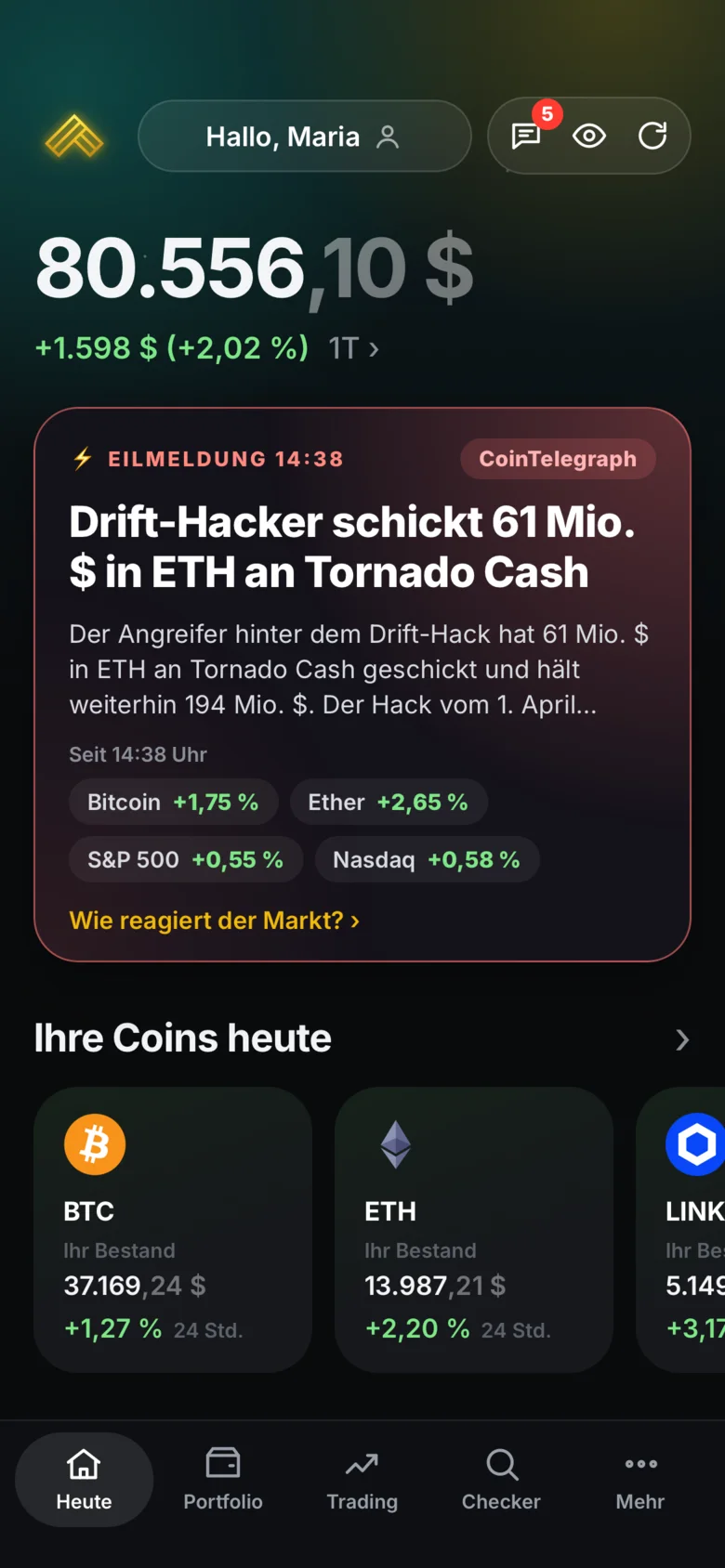
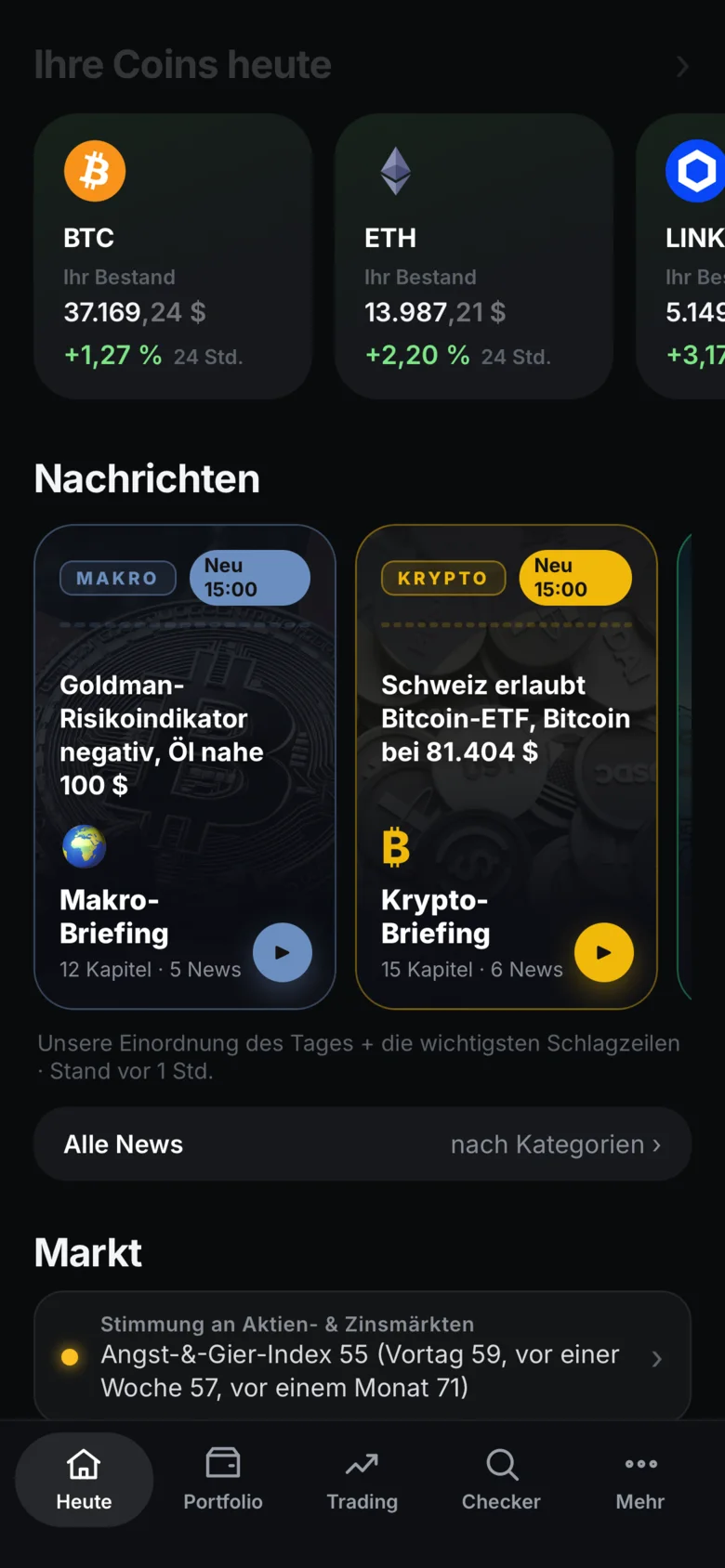
The home screen shows what matters today: where your portfolio stands, which news is moving the market and how the market is reacting. Plus your own coins, the day’s news and upcoming dates.

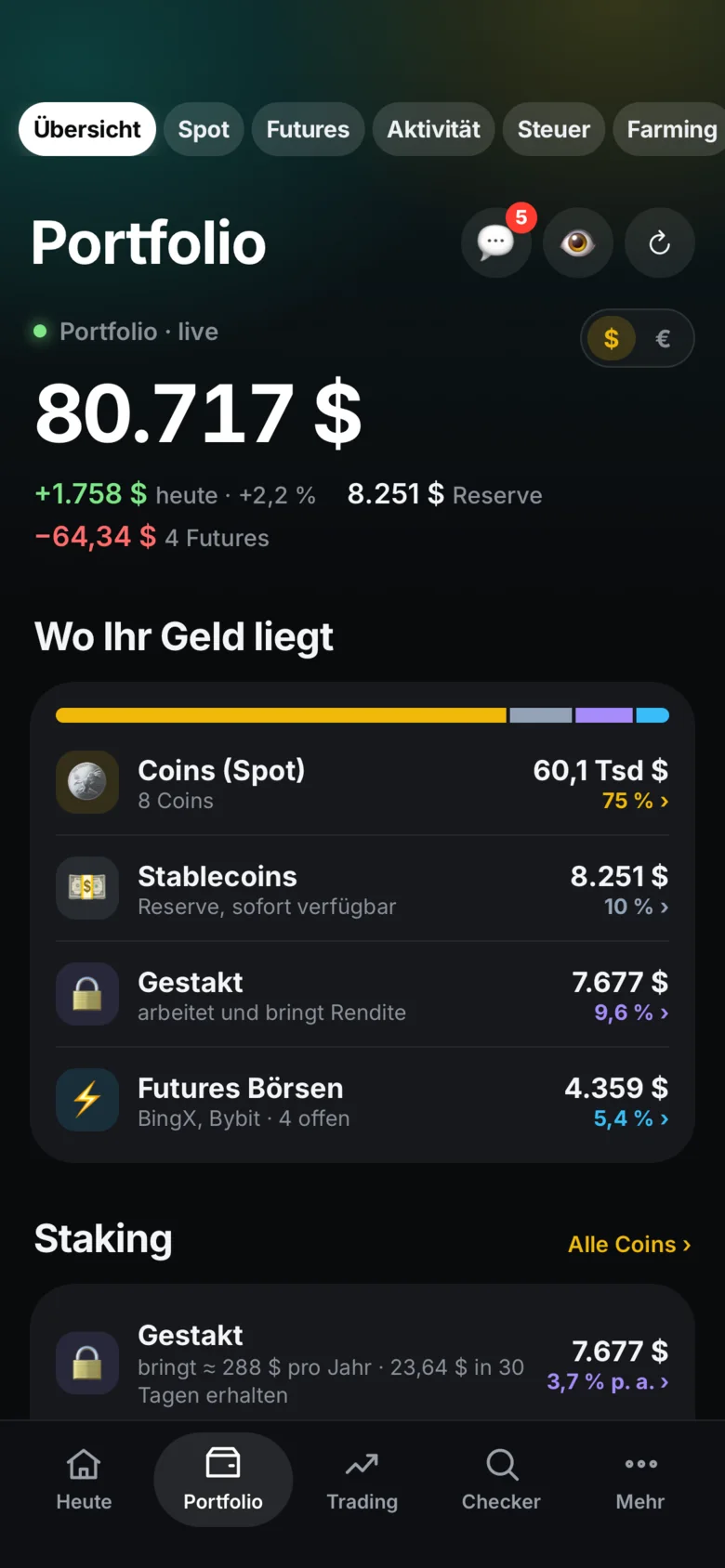
Connect your exchanges with a read-only key and add your wallets – CryptoCompass adds everything up and keeps it updated. You can see at a glance where your money is held and what it has done today.

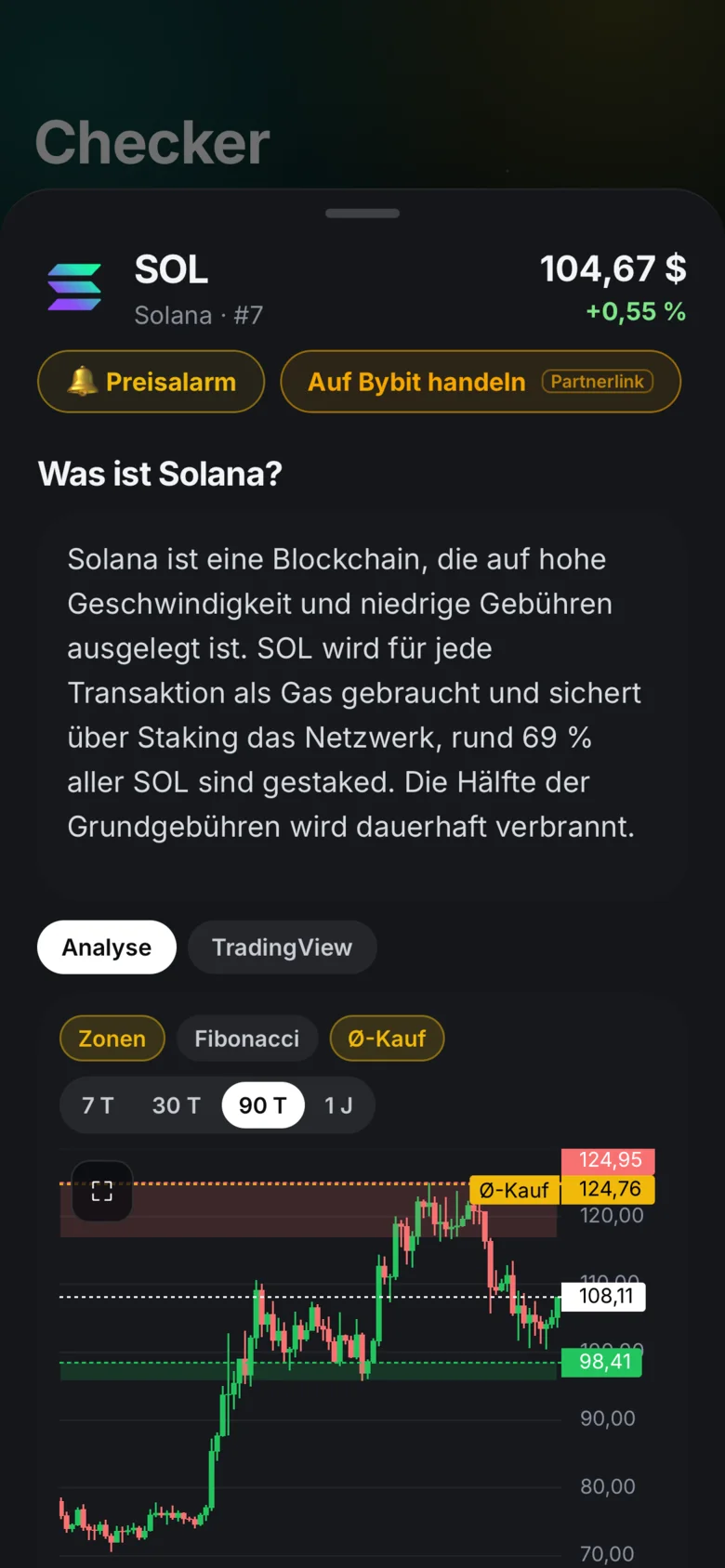
Before you buy a coin: what is behind it, who is the team, where are the risks? The Checker answers this in plain language – for coins, memecoins and entire wallets.

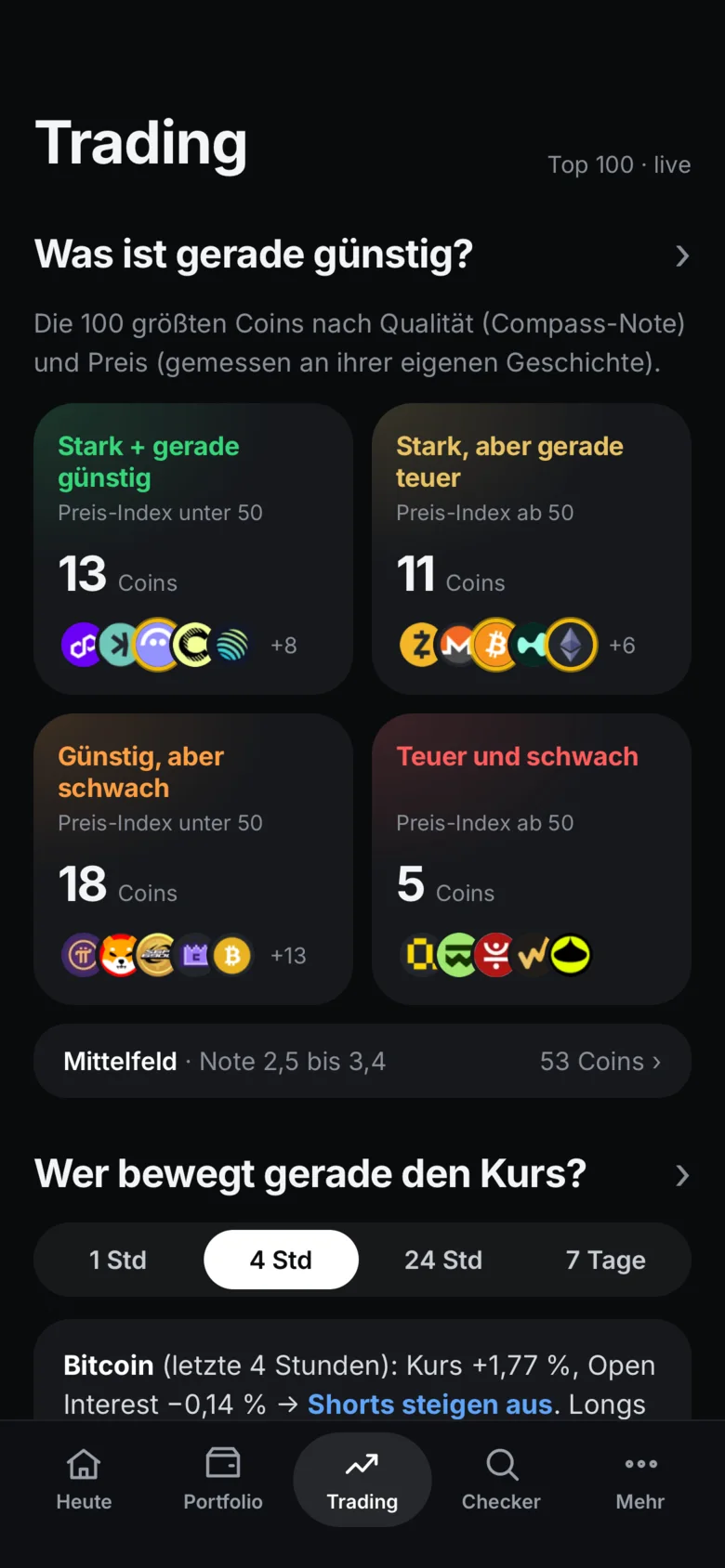
The 100 largest coins, sorted by quality and price: strong and currently cheap, strong but expensive – at a glance. Plus who is moving the price right now: new buyers, leveraged positions or outflows.
The app gets in touch when it concerns your coins – and not otherwise. You choose what you would like to be informed about.
Examples for illustration.

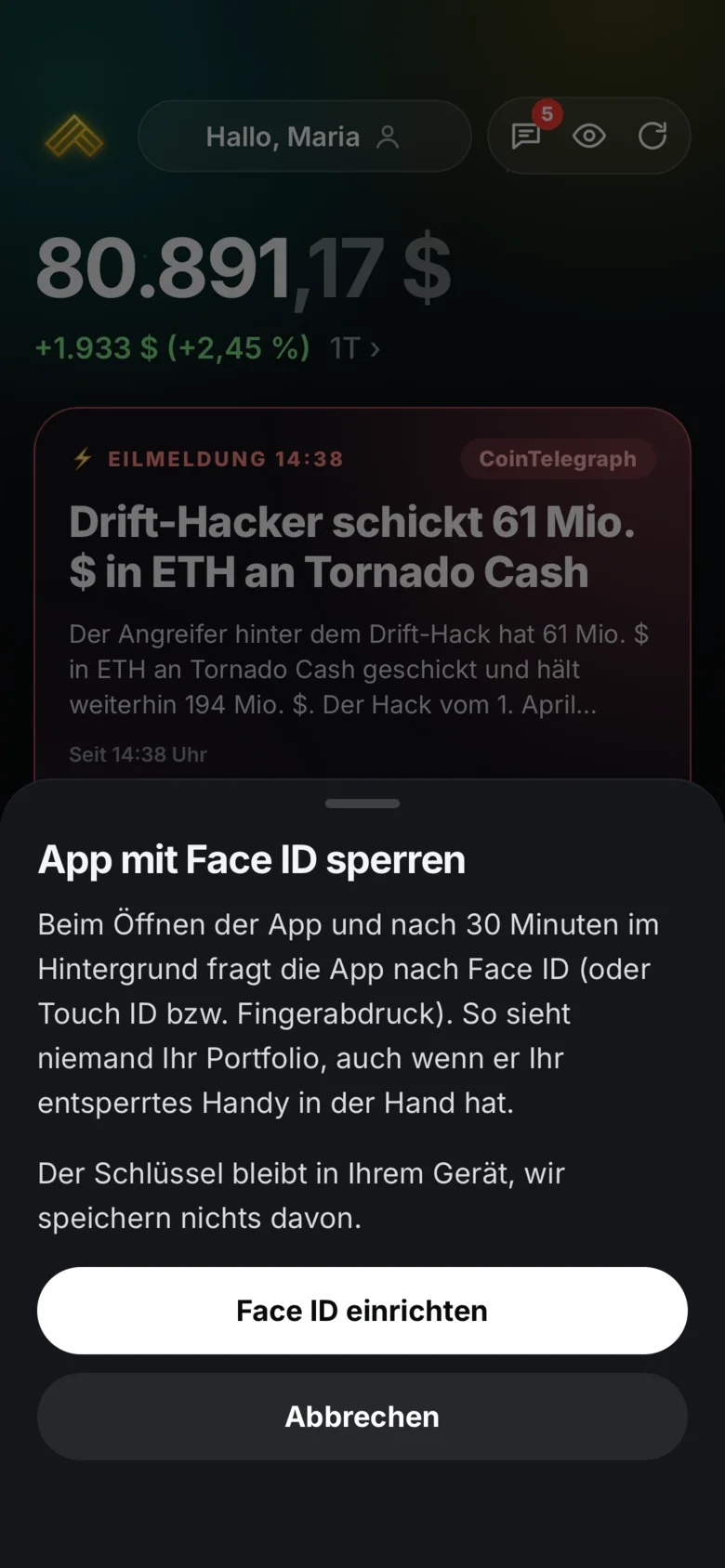
If you wish, the app asks for Face ID, Touch ID or your fingerprint when it opens. That way nobody sees your portfolio, even if they are holding your unlocked phone.
No app store, no download: the app is added to your home screen straight from the browser and then opens like any other app.
Open mycryptocompass.io/app in Safari – or scan the QR code with your camera.
Tap Share at the bottom (square with an arrow pointing up).
Choose Add to Home Screen and tap Add.
Open the app via the new icon and sign in with your Compass account.
On iPhone, notifications are available once the app is opened from the home screen.
Open mycryptocompass.io/app in Chrome – or scan the QR code.
Tap the ⋮ menu at the top right.
Choose Install app or Add to Home screen.
Open the app via the new icon and sign in with your Compass account.
The wording in the menu depends on your phone – both lead to the same result.
Scan the code with your phone’s camera – the app opens straight away.
No. The CryptoCompass app is added to your home screen directly from the browser. After that it opens like any other app, without the browser bar, and is always up to date.
No. The app is part of your CryptoCompass access. You sign in with the same login details as on your computer.
There’s no need: you sign in to the app with your existing account and immediately have your usual access – with all your data.
Yes. Portfolio, exchanges, wallets and settings are stored in your account and are the same on every device you are signed in on.
Only if you want them, and only for what you choose: strong moves in your portfolio, triggered price alerts, upcoming token unlocks for your coins and warnings about your wallets. On iPhone, notifications work once the app is opened from the home screen.
Exchanges are only connected with read-only keys, so the app cannot trade or withdraw anything. If you wish, you can also lock the app with Face ID, Touch ID or your phone’s fingerprint sensor.
The app is included in your CryptoCompass access – at no extra cost, with the same login details as on your computer.
CryptoCompass is an educational and analysis tool by Die Kryptoschule (Mag. Klaus Baier, Höhnhart, Austria). Not investment or tax advice. Crypto is high-risk; a total loss is possible. The app images show a demo portfolio; the notifications are examples.